Connect your bank once. Stop typing transactions.
Every charge on a connected account posts to your ledger automatically, sorted to a property, Overhead, or Personal, never entered by hand.
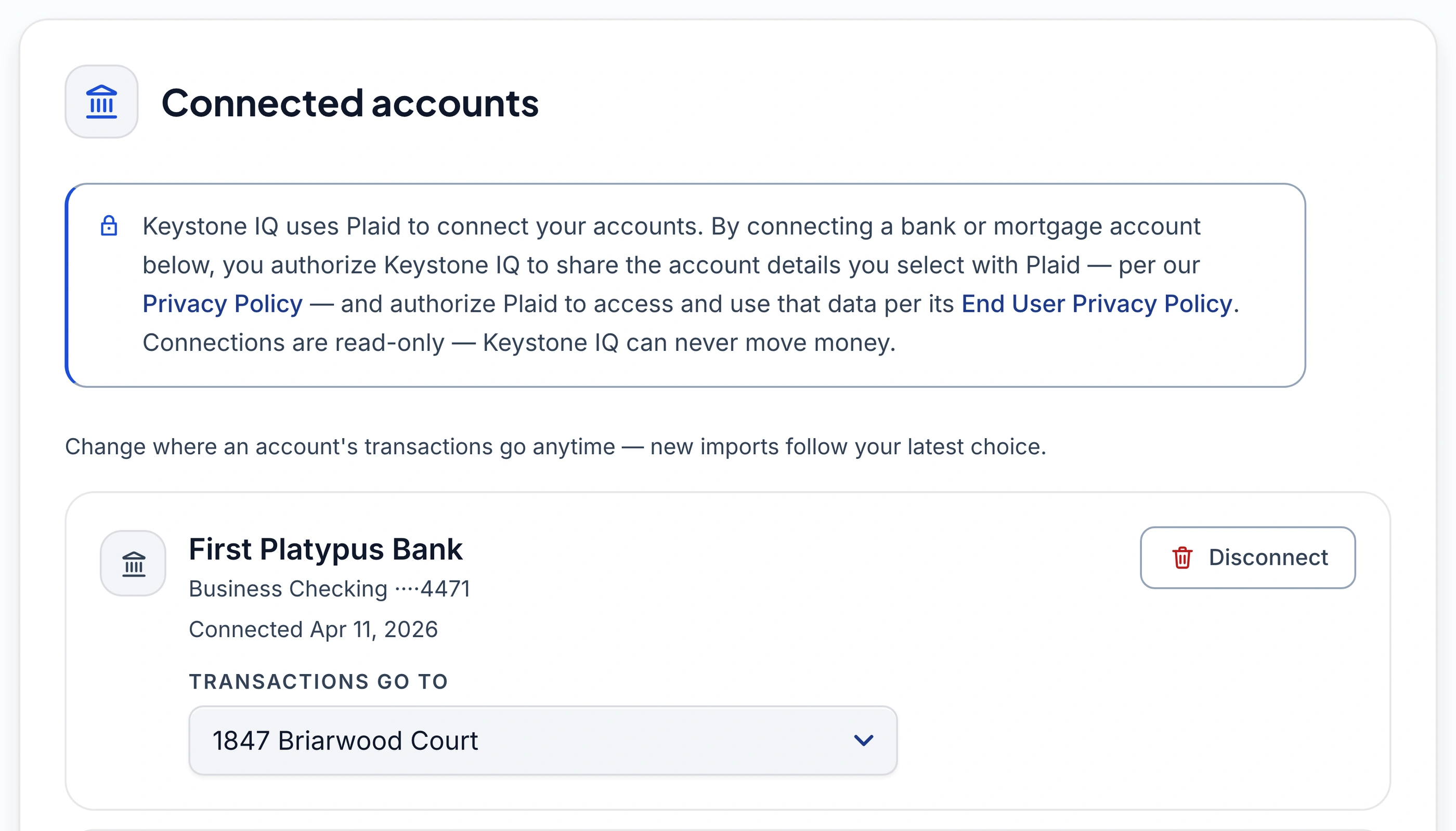
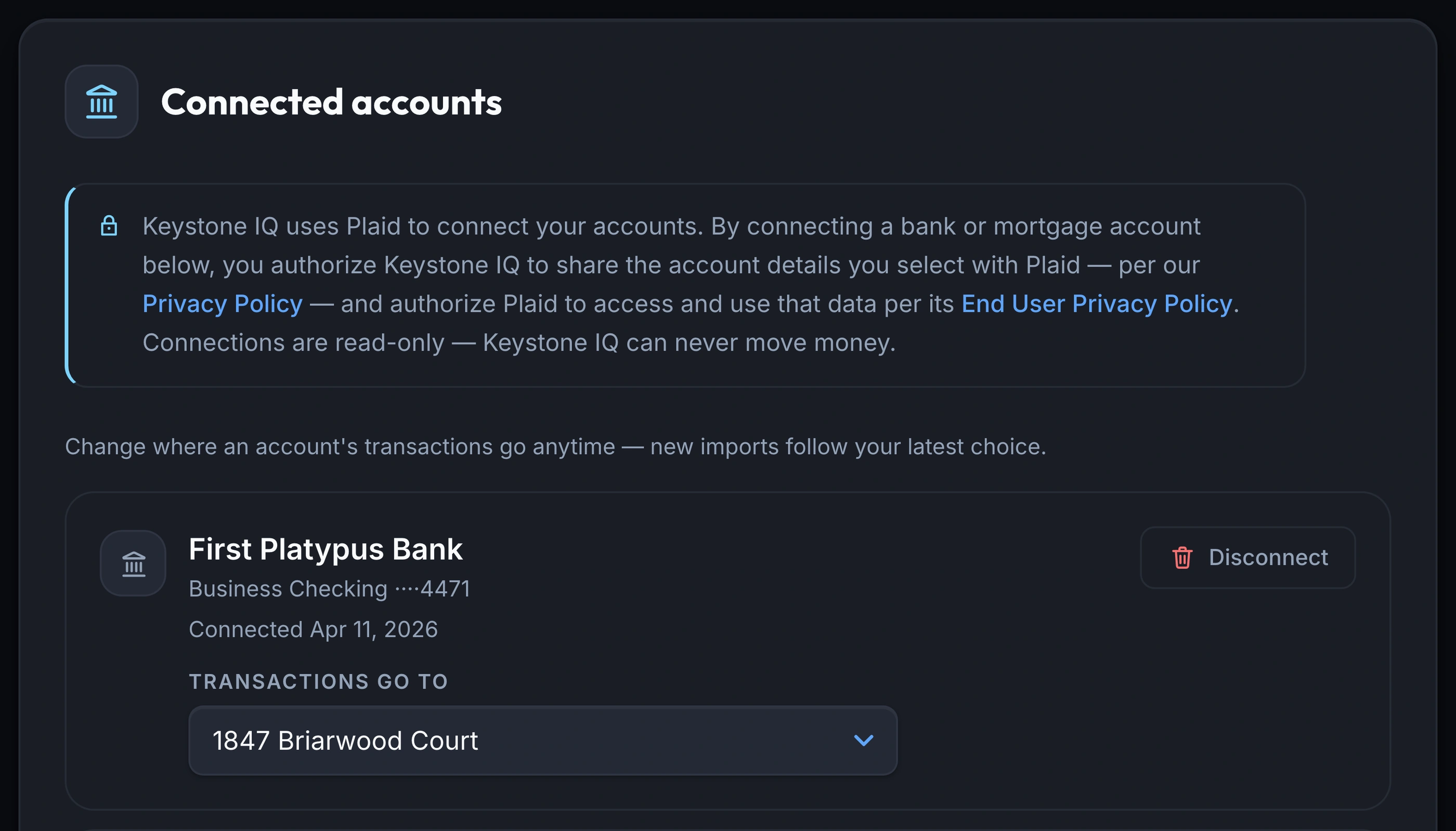
- destinations a connected account can route to
- 4
- of transaction history synced by default
- 6 months
- window for cross-source duplicate matching
- 10-day
Every transaction sorts itself
Connect a checking, savings, or credit card account and transactions post straight to your ledger, categorized as they clear, with no approval queue in between.
- Transactions post the moment they clear
- Confident matches get a category automatically
- Unsure ones land as Uncategorized, not guessed
One account, four places it can go
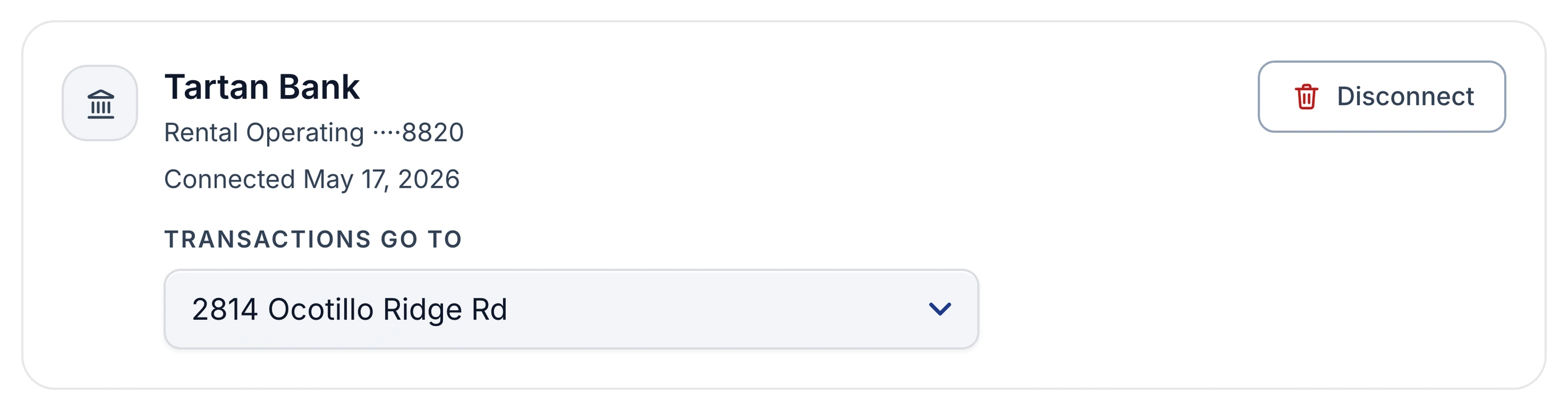
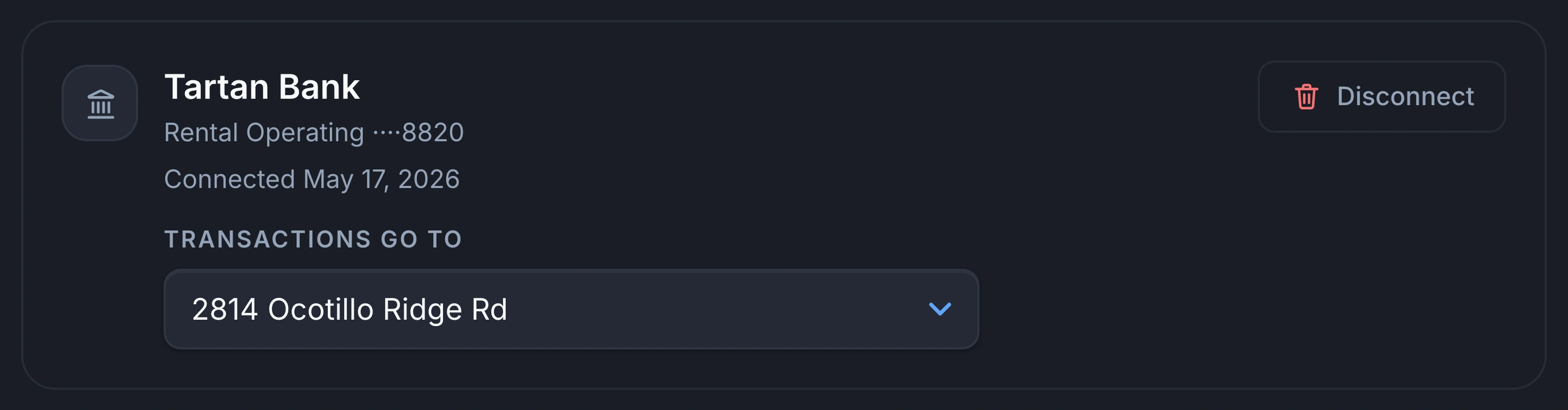
Route each account to a property, to Overhead, to Personal, or to Multiple to split transactions individually.
- A property, Overhead, Personal, or Multiple to split
- Change an account's destination any time
- Personal spend never touches NOI or tax exports
The same charge, matched not duplicated
A bank charge that matches something you already recorded is held back, not added a second time.
- Checked against invoices, owner packets, and manual entries
- An exact match is held back automatically
- A close call is flagged for you to confirm
A live balance from your mortgage servicer
Connect your mortgage servicer and equity uses the real, current balance instead of a computed schedule.
- Switch between computed and live balance any time
- Connecting a servicer never locks you into using it
- Reads are the only thing a connection can do
What you get
Automatic transaction postingPro
no manual entry once connected
Four-way destination routingPro
property, Overhead, Personal, or Multiple
Cross-source duplicate matchingPro
checked against invoices & manual entries
Live mortgage balancesPro
straight from your servicer
Read-only connectionsPro
Keystone IQ can never move money
Frequently asked questions
Do I have to approve each imported transaction?
No. An imported transaction is already in your books; there's no pending queue sitting between your bank and your ledger. When the category isn't obvious it lands as Uncategorized, and that list is the review step: open it, pick a category, done. Anything can be recategorized or moved to a different property later.
Is bank sync included on the Starter plan?
No. Automatic bank sync, the destination routing, and duplicate matching are all Pro features. Starter accounts still track everything you enter manually, upload as a document, or import.
Can Keystone IQ move money out of my account?
No. The connection is read-only, so Keystone IQ can see the transactions that already cleared but can never initiate a payment or move funds. Your banking credentials are never seen or stored, and connection tokens are encrypted separately from the rest of your data.
What happens if the same expense arrives from a bank charge and an invoice I already uploaded?
It's checked against what's already in your ledger first. A clear match to something you recorded from a document is held back automatically. A less certain match is flagged for you to check rather than merged silently, so the close calls come to you instead of being decided quietly.
What if one bank account covers more than one property?
Set that account's destination to "Multiple — assign each" (the exact option in the dropdown). Every transaction from it lands unassigned until you pick the right property, so nothing gets attributed to the wrong one by default.
Does connecting my mortgage servicer replace the computed amortization schedule?
Only if you choose to use it. Once a servicer is connected, you can switch that property between the computed schedule and the live reported balance at any time.
Stop entering bank transactions by hand.
Bank sync, destination routing, and duplicate matching are Pro features. Join the waitlist to connect your own accounts.
Join the Waitlist14-day free trial · No credit card
For informational purposes only. Computed from the data you provide; not investment, tax, or financial advice. Consult a qualified advisor before acting on any figure.