Your portfolio at a glance, and what needs you.
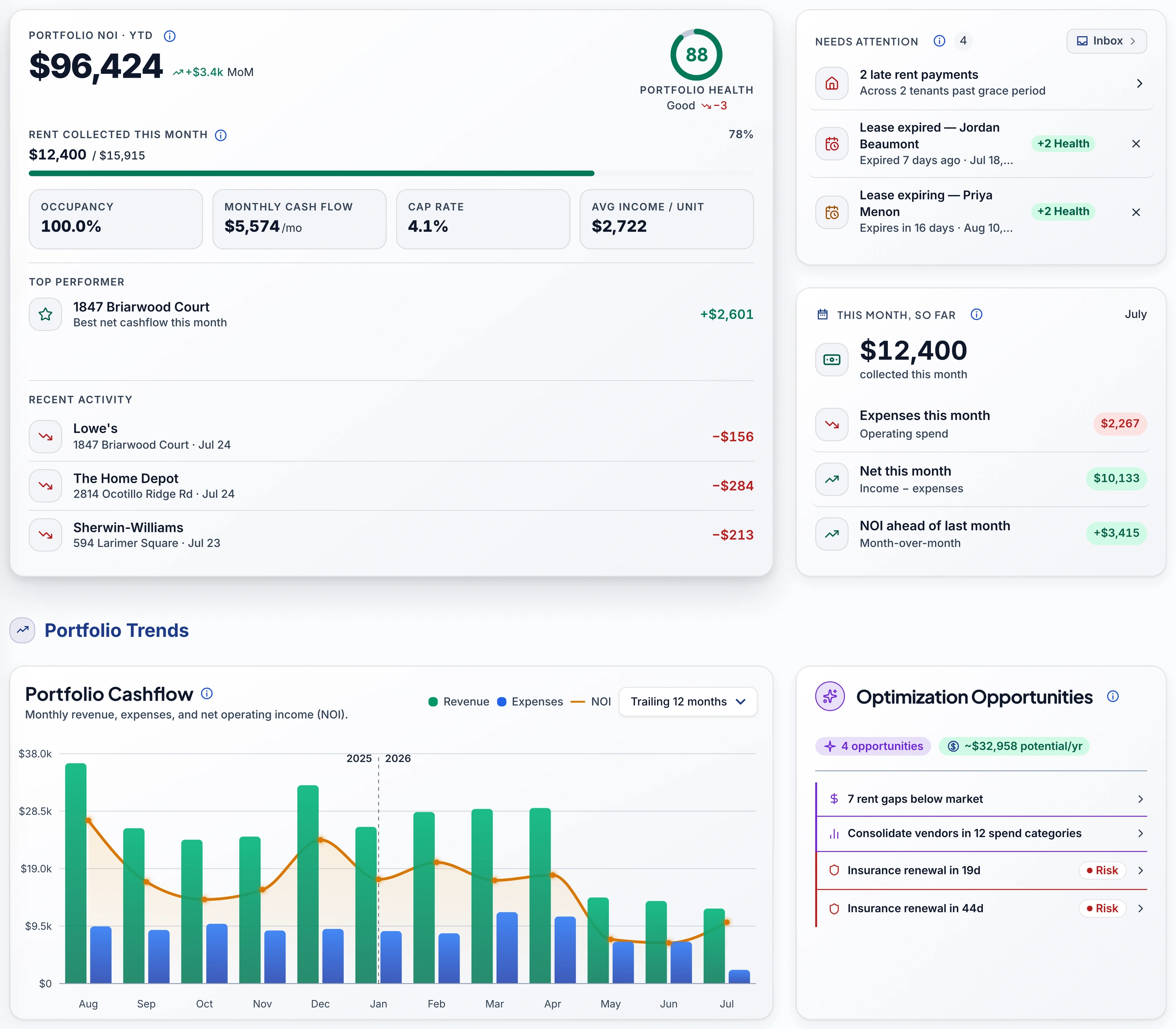
NOI, cash flow, and portfolio health on one screen, with an Inbox that names exactly what needs your attention next.
- portfolio health score, graded live
- 0–100
- of history kept in the bell
- 30 days
- surfaces read the same Inbox list
- 4
One screen, every core number
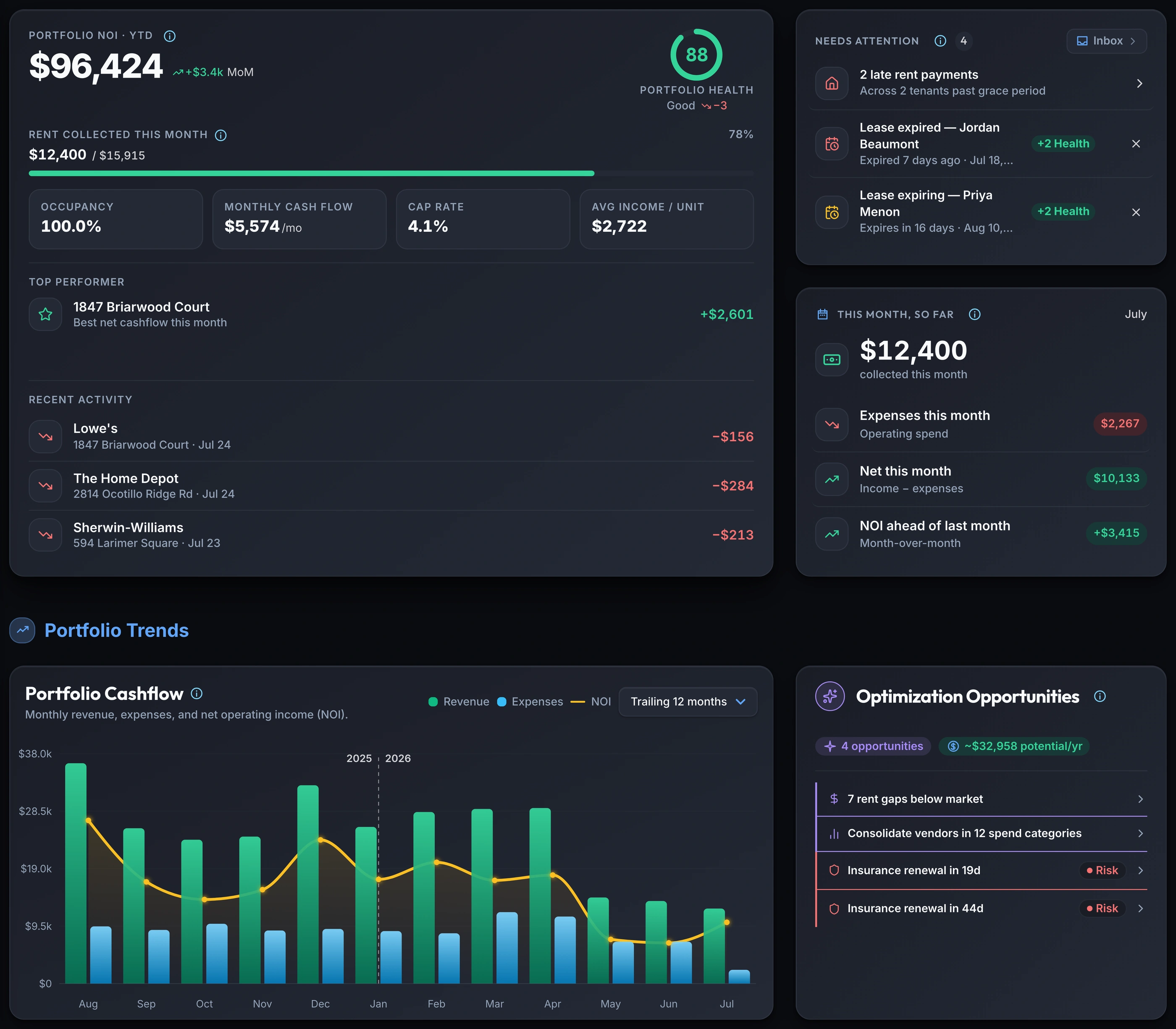
The dashboard opens on your whole portfolio: NOI, cash flow, and Portfolio Health in one place, computed live from your ledger.
- Portfolio NOI, cash flow, and cap rate on one card
- Rent collected this month, as a live progress bar
- Your top-performing property, ranked by net cash flow
- A 0–100 Portfolio Health score, right alongside the numbers (Pro)
This month, already totaled
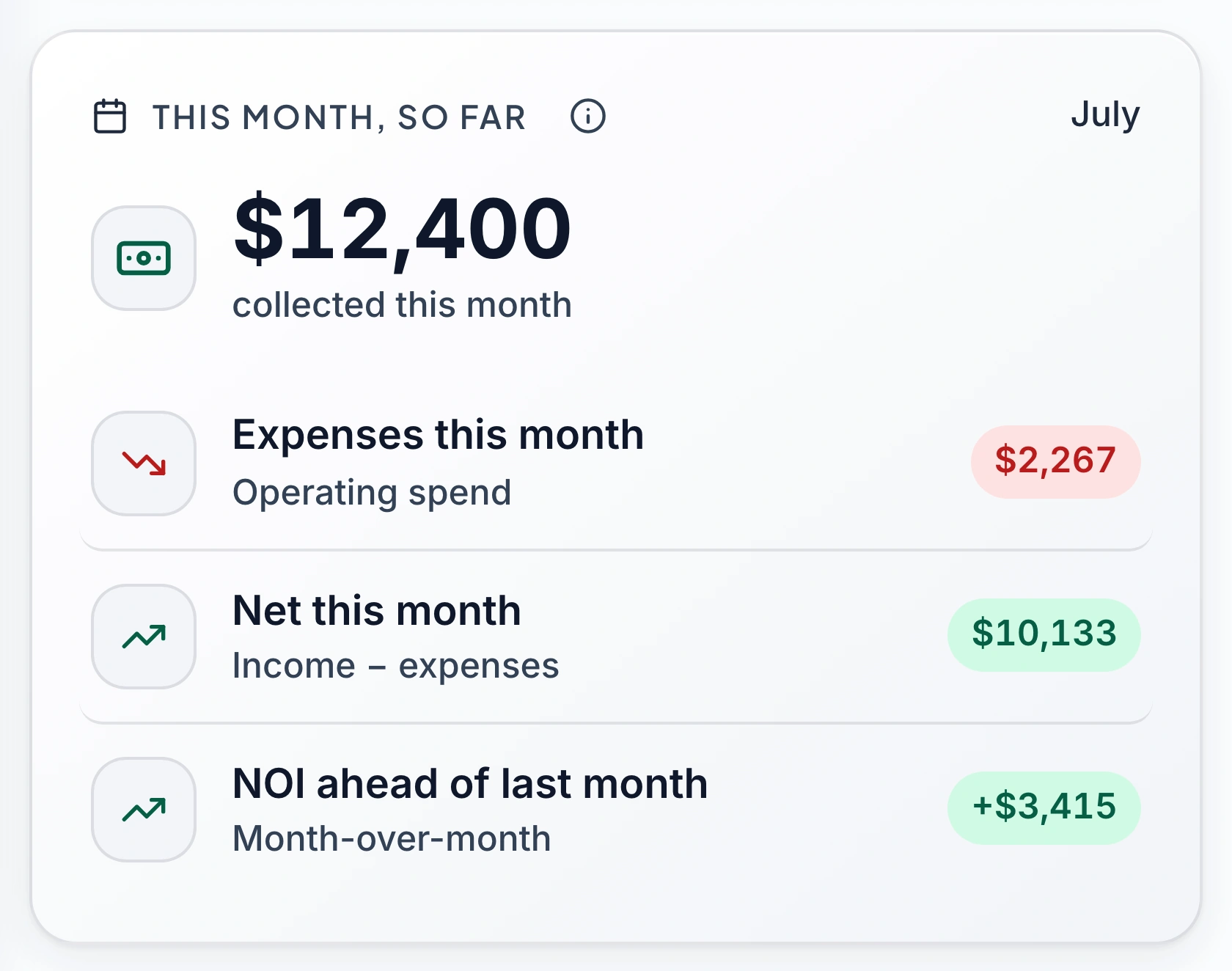
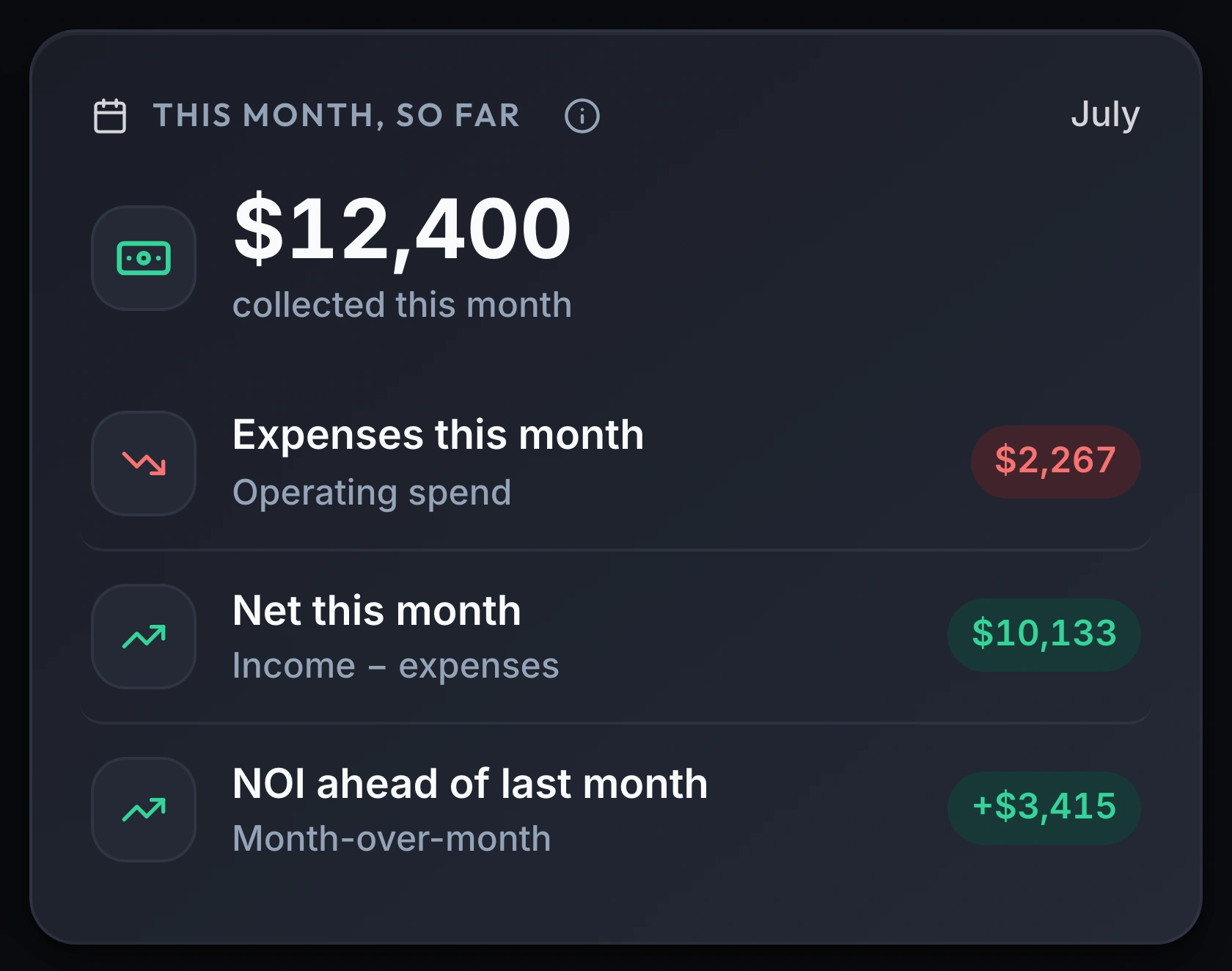
A running total for the month (collected, spent, and net) updates itself as new transactions land, no manual tally.
- Rent collected so far this month, tracked live
- Operating expenses for the month, one figure
- Net for the month, income minus expenses
- This month's NOI, compared straight against last month
Where the money actually went
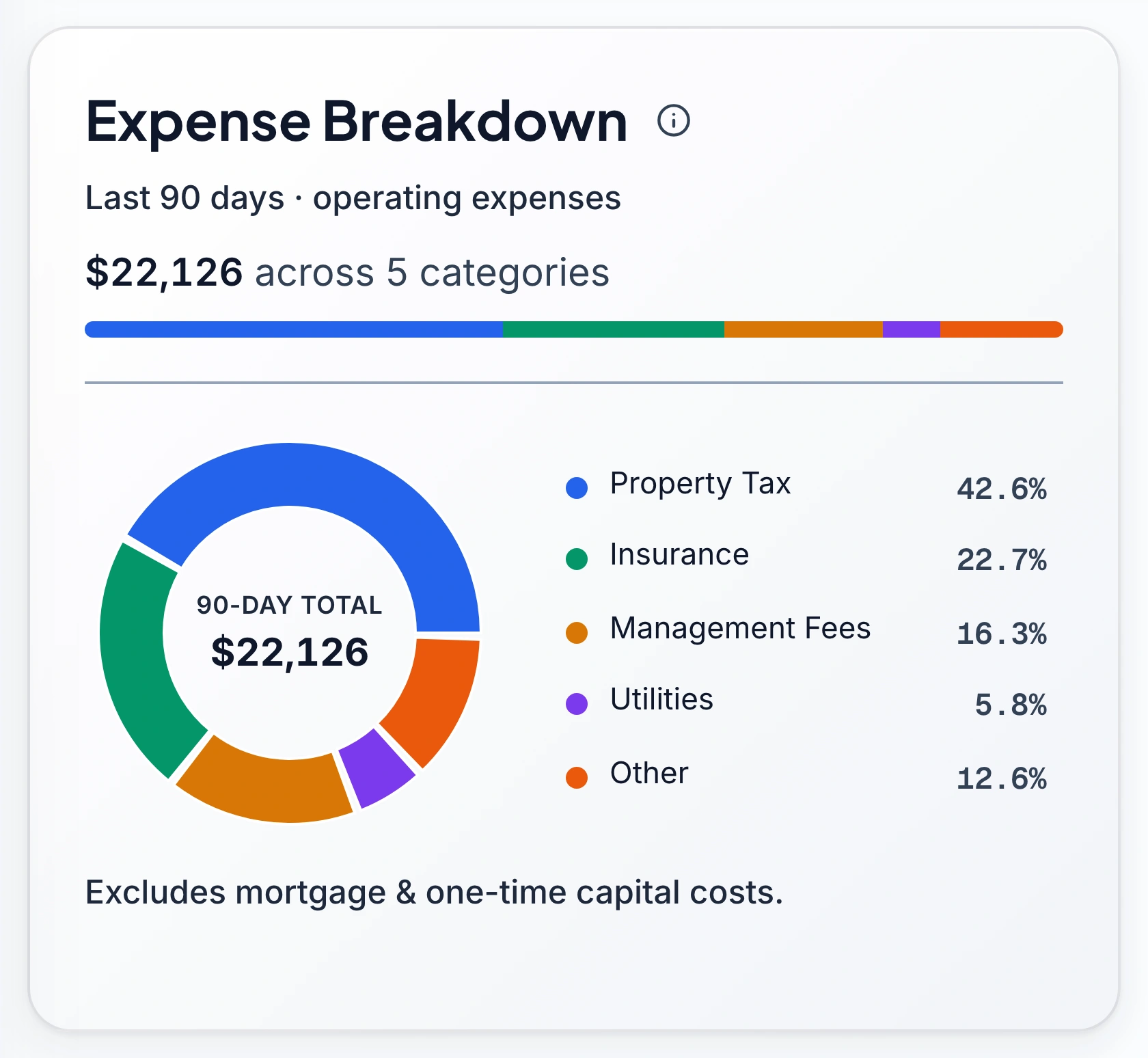
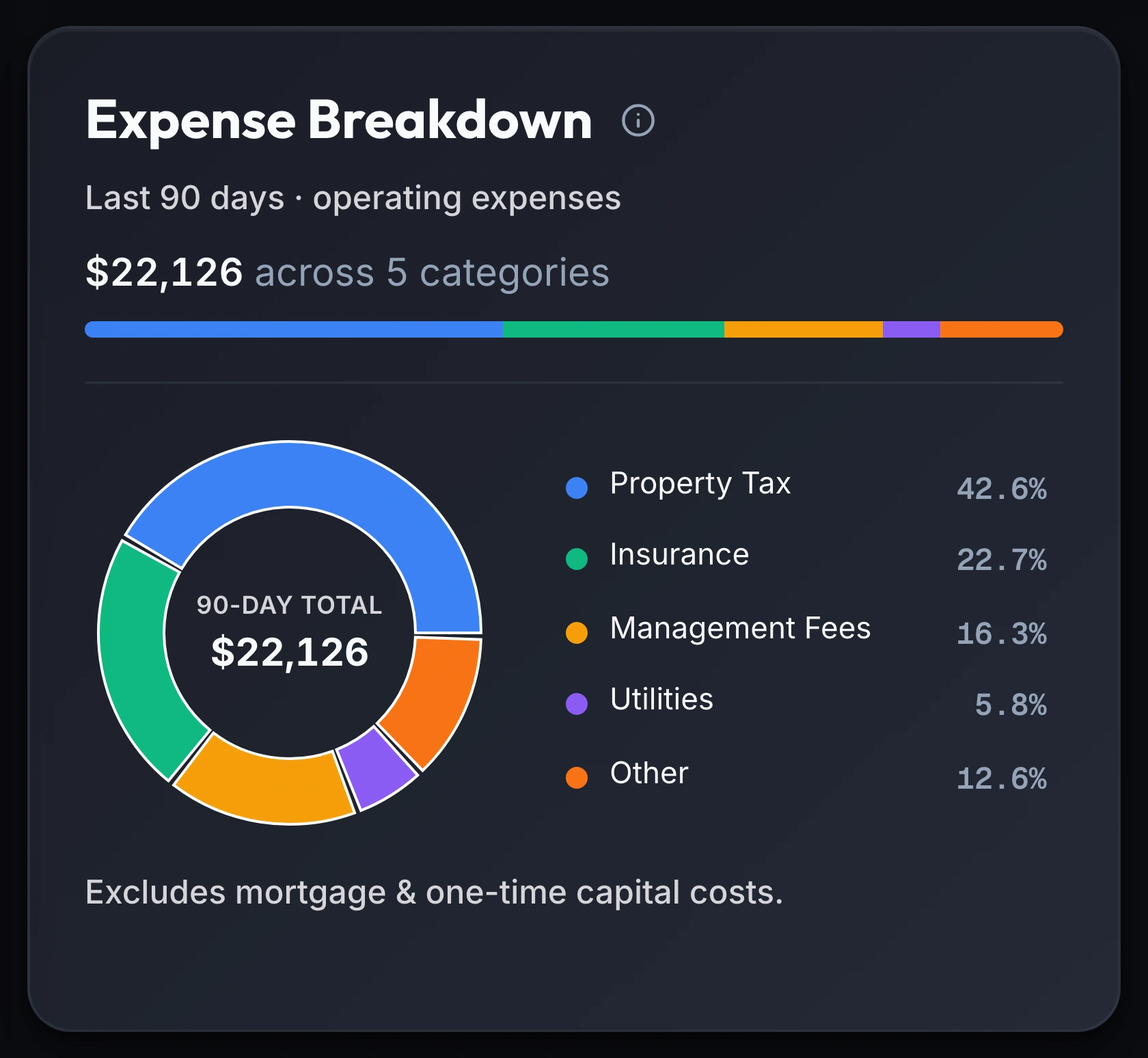
A 90-day donut breaks operating spend into its real categories, so a rising line has a name before it's a surprise.
- 90 days of operating expenses, by category
- Property tax, insurance, management fees, and utilities, split out
- Mortgage and one-time capital costs kept separate
- Every slice traces back to the ledger it came from
One inbox for what needs you
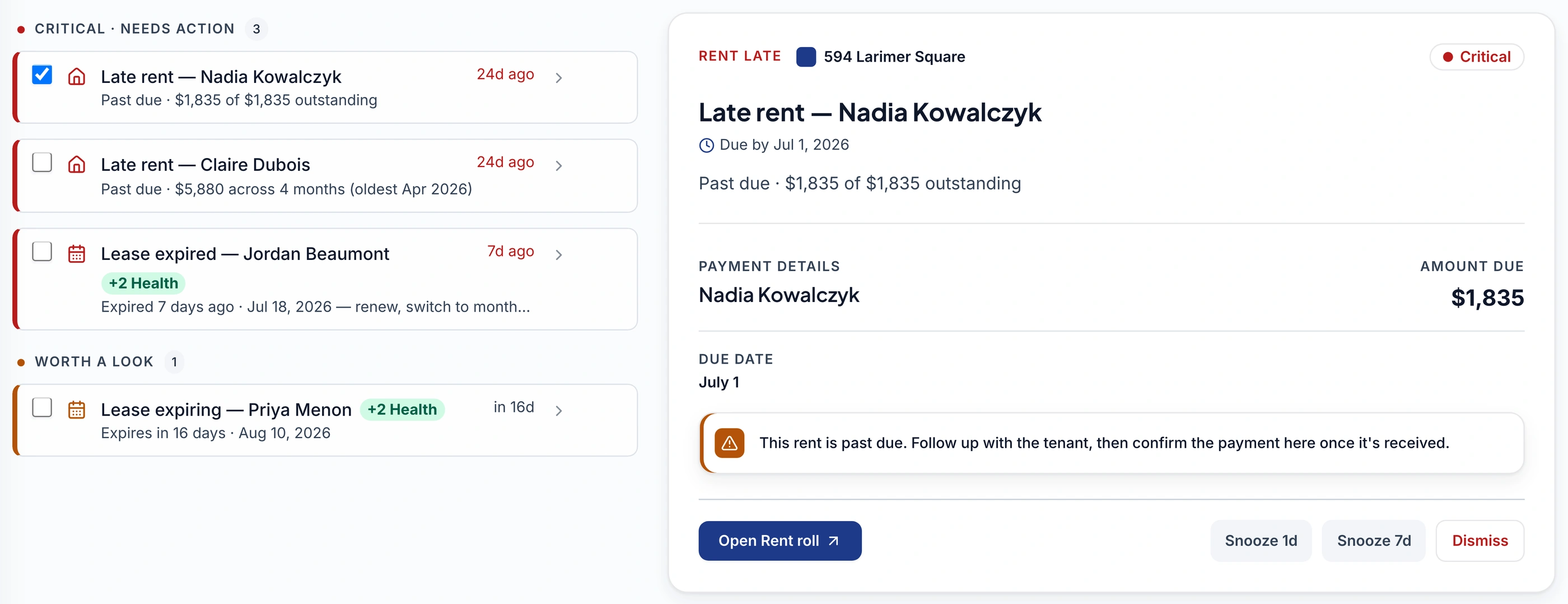
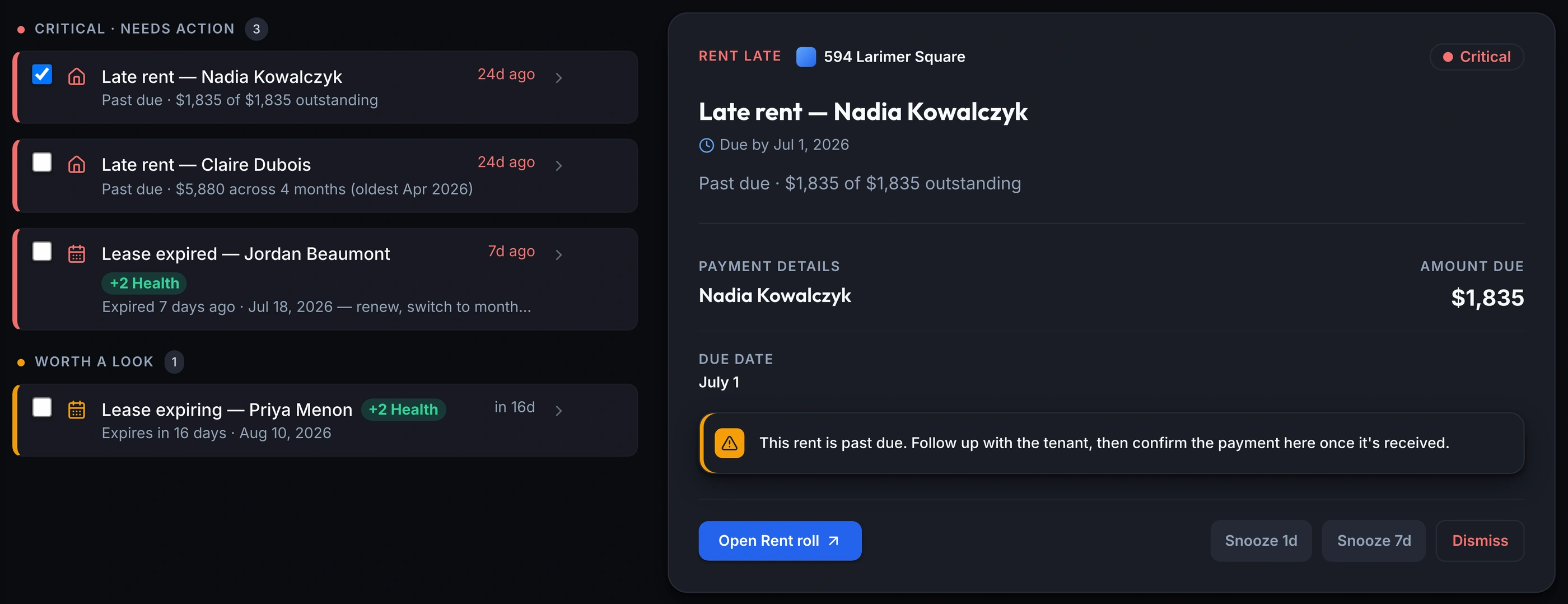
The dashboard's Needs Attention card and the Inbox page read the same list: late rent, expiring leases, and imports still waiting on you.
- A late payment or expiring lease, computed fresh from your ledger
- A flagged document import, waiting on the right property
- Handle it once, and it clears from every surface at once
- The same list on the dashboard, the Inbox, and every page
What you get
Live portfolio KPIs
NOI, cap rate, cash-on-cash & more
Monthly snapshot & expense breakdown
collected, spent, net, by category
Needs Attention & Inbox
late rent, leases, flagged imports: one list
Portfolio Health ScorePro
0–100 across 5 weighted factors
AI insights & optimization opportunitiesPro
rent gaps, vendor spend, renewals flagged
Anomaly detection in your InboxPro
unusual charges surfaced automatically
Frequently asked questions
Is the dashboard the same on Starter and Pro?
Mostly. Every plan sees the live KPIs, the monthly snapshot, the expense breakdown, and the full Needs Attention and Inbox list. The Portfolio Health Score and its Optimization Opportunities (AI-derived rent-gap, vendor and renewal flags) are Pro.
Do I have to approve an imported transaction before it counts?
It depends on where it came from. A transaction from a connected bank account posts to your ledger the moment it clears; there's no approval queue, and an uncertain category just lands as Uncategorized for you to fix later. An AI document import is different: when the AI can't tell which property it belongs to, it's flagged and filed against one of your properties so nothing is lost, and it stays in your Inbox until you point it at the right one. That's the one place something genuinely waits on a decision from you.
What exactly shows up in Needs Attention?
Anything that needs a decision: rent that's crossed its grace period, a lease that's expired or expiring soon, a bank-imported transaction still marked Uncategorized, and a document import waiting on a property. Handling the underlying item (confirming a payment, picking a category, choosing a property) is what clears it. There's no separate "mark as read."
Why do I see the same alert on the dashboard, the Inbox, and a page banner?
You're not seeing three alerts. It's one list, read from one endpoint, shown in four places: the dashboard's Needs Attention card, the Inbox badge in the sidebar, a banner on the relevant page, and the full Inbox itself. Resolve or dismiss it once and it clears from all four at the same time. Nothing is counted twice.
Can I get rid of an item without acting on it?
Most items can be snoozed or dismissed: a late-rent flag or an expiring lease, for example. A few are rollups, like the count of transactions still Uncategorized, and can't be dismissed individually, because there's nothing to dismiss until the underlying transactions are actually categorized.
How far back does the notification bell go?
30 days. It's a read/unread history of what already happened (rent confirmed, a document processed, a connection needing reattention), kept deliberately separate from Needs Attention, which only shows what's still outstanding right now.
See your whole portfolio the moment you sign in.
The dashboard and Inbox are ready as soon as you add a property, no setup, and nothing to configure before your numbers show up.
Join the Waitlist14-day free trial · No credit card
For informational purposes only. Computed from the data you provide; not investment, tax, or financial advice. Consult a qualified advisor before acting on any figure.