Know before a lease or policy lapses.
A lease, a policy, an inspection report: filed by property, and flagged well before any of them actually expires.
- of storage included
- 1 GB
- per individual file
- 20 MB
- document types
- 6
- advance expiry warning
- 60 days
One filed home per property
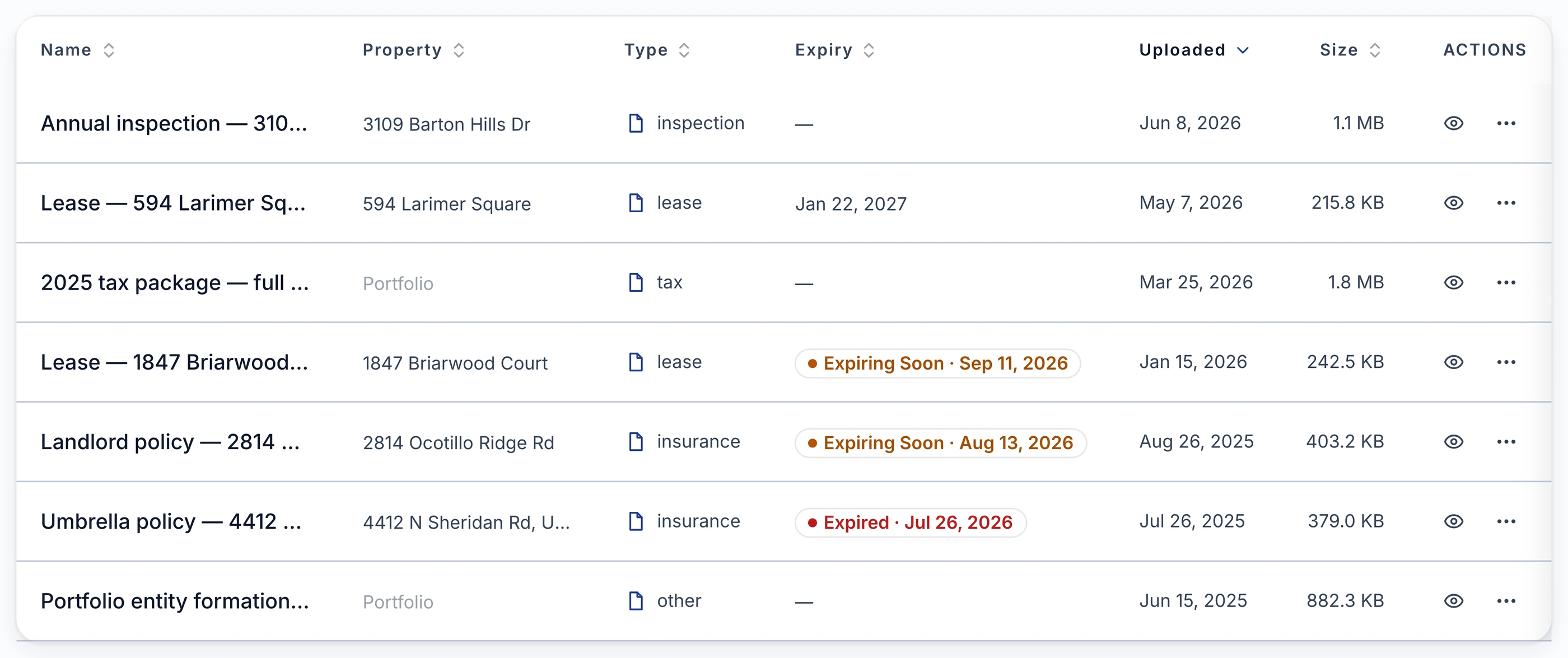
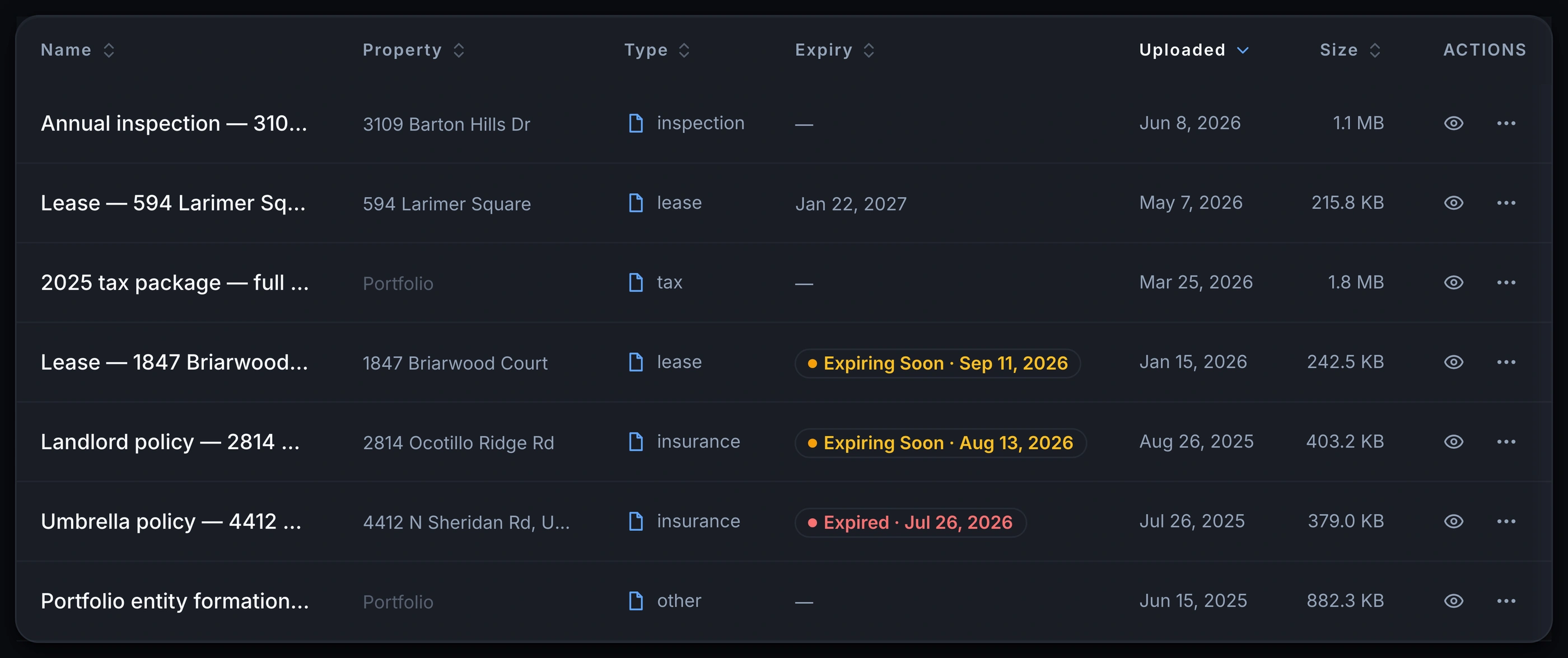
Every lease, policy, inspection and closing document becomes a real record: tagged by type, filed by property, and watched for expiry when it has one.
- Lease, Insurance, Inspection, Warranty, Closing, or Other, per document
- Filed by property, or viewed across the whole portfolio
- PDF, DOCX, JPEG, PNG or HEIC, up to 20 MB per file
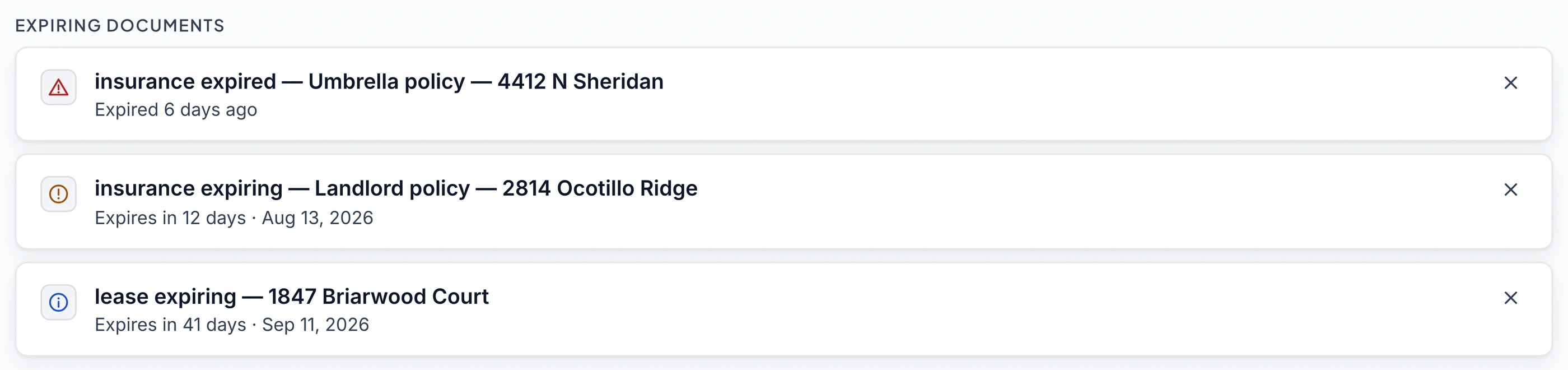
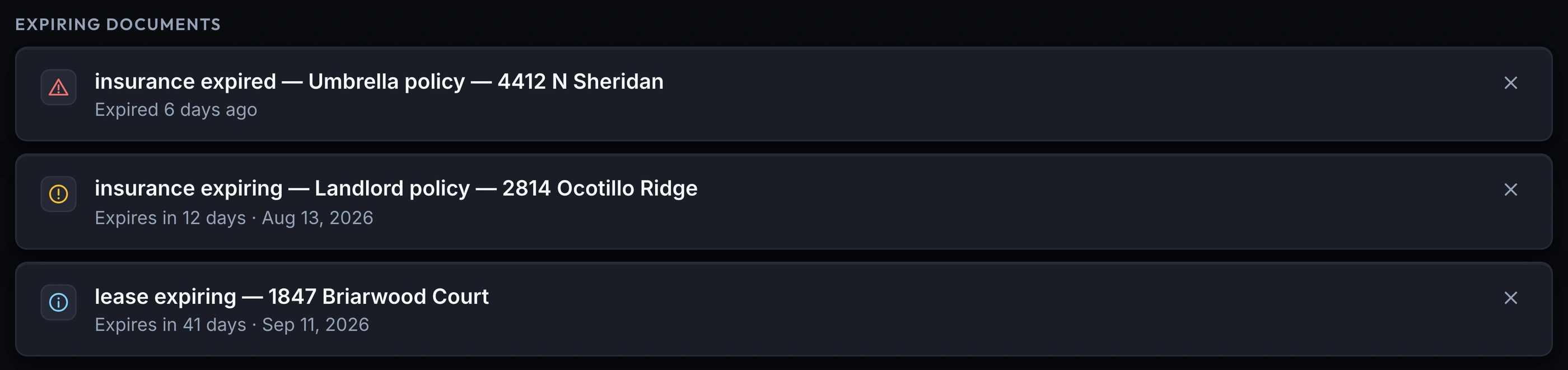
A warning before it expires, not a scramble
Every document with an expiry date is watched automatically: flagged 60 and 14 days out, and critical for a week after it lapses.
- Expired documents flagged critical for 7 days, still caught
- A heads-up at 60 days out, a warning at 14
- Surfaces on the dashboard and inbox, not just here
Attach a receipt to the exact transaction
A receipt or invoice can attach straight to the ledger transaction it backs up, so the paperwork sits right next to the number.
- Attach a document to the ledger entry itself
- Deleting the transaction detaches the document, never destroys it
- Already-attached receipts stay viewable even on a lower plan
What you get
Expiry alertsPro
expired, 14-day, and 60-day warnings
Dashboard & inbox action itemsPro
a lease renewal never gets missed
Receipts on any transactionPro
proof filed next to the number
Document storage by propertyPro
lease, insurance, inspection & more
1 GB storagePro
20 MB per file, PDF/JPEG/PNG/DOCX
Frequently asked questions
Is the Document Vault included on the Starter plan?
No. The Document Vault, expiry alerts and the monthly email digest are Pro features. Starter includes AI document extraction for invoices, receipts and mortgage statements, which is a different pipeline.
What happens to my documents if I downgrade from Pro to Starter?
Nothing is deleted. A receipt already attached to a transaction stays visible from that transaction's ledger entry regardless of plan. Uploading a new document, or browsing the full Vault table, needs Pro again.
How much can I store, and how big can one file be?
You get 1 GB of storage, and a single file can be up to 20 MB. Accepted formats are PDF, DOCX and images, including HEIC, straight off an iPhone.
Can I find a document again later, and get the file back out?
Yes. The documents table has a search box that filters as you type, and any document can be downloaded again from its row. What you put in, you can get back out.
How does the expiry warning work?
Set an expiry date on a document and it's watched automatically. You'll see it flagged around 60 days out, again inside 14 days, and it stays flagged as critical for a week after it actually expires, so a late renewal doesn't slip through unnoticed.
Can I attach a document to a specific transaction instead of just filing it in the Vault?
Yes. From the Finances ledger you can attach a receipt or invoice to the exact transaction it backs up. It's the same storage, just linked to that entry so the proof sits next to the number.
Stop hunting for the lease that's about to expire.
The Document Vault is a Pro feature. Join the waitlist to file your own leases and policies, and let the expiry alerts do the remembering for you.
Join the Waitlist14-day free trial · No credit card